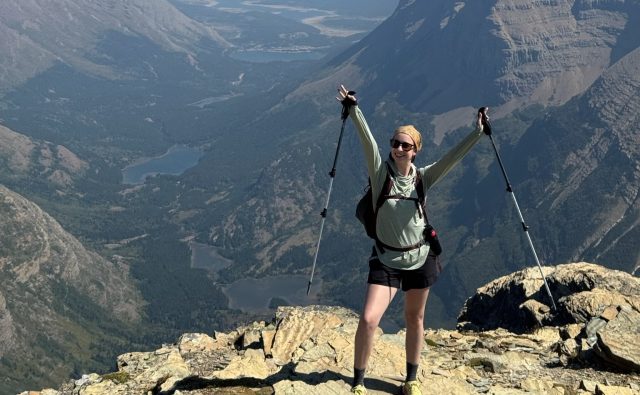
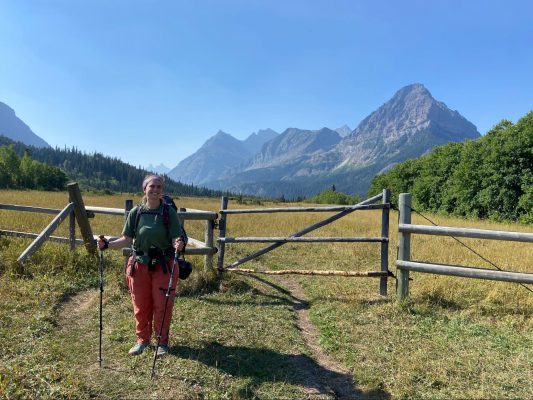
Glacier Zoom Backgrounds
Why work from home when you can work from Glacier?
Share your love for Glacier with Zoom backgrounds
Whether you’re working from home, attending online yoga classes or planning your next trip to Glacier with friends, you can still virtually meet in Glacier. Take yourself to Logan Pass, St. Mary or along the path of a grizzly bear with a Glacier Zoom background.
How to use on Zoom:
1. Download image. Right-click and select “Save Image.”
2. Launch Zoom. At the bottom of the screen click ^ next to “Start Video.”
3. Select “Choose Virtual Background.”
4. Click the + next to “Choose Virtual Background” and locate the saved image.
5. Uncheck the box that says “Mirror my video.”

St. Mary Entrance

Grizzly Bear

Going-to-the-Sun Mountain from Logan Pass

Cracker Lake

Calypso Bulbosa – Fairy Slipper
Photos: NPS
Inside Glacier Updates
The Best Rescues Never Happen: A Day With Glacier’s PSAR Rangers
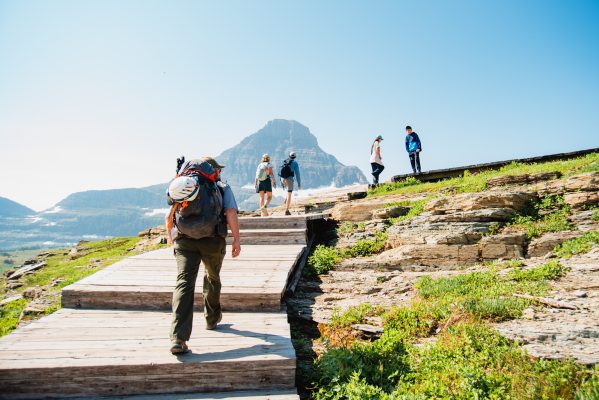
On a Wednesday morning in July on the Hidden Lake Trail, a ranger in green and gray hikes up the boardwalk, stopping to talk with nearly everyone headed up from Logan Pass. What are your plans for the day? How much water do you have? Are you carrying bear spray? The...
Ask a Ranger: Interpretation in Glacier National Park
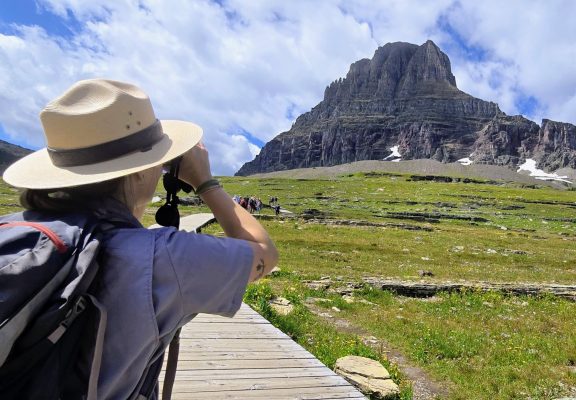
Ask a ranger at Logan Pass where the restrooms are, and you will get an answer. Ask what habitat bears use or whether the Hidden Lake Trail is a good idea today, and you might just get a new perspective. That second kind of exchange has a name inside the National Park...
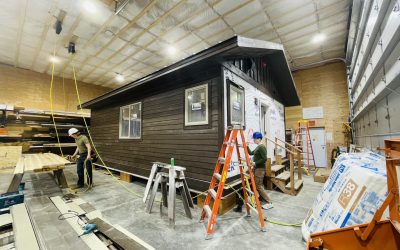
Raising The Roof: Glacier’s School-To-Park Program
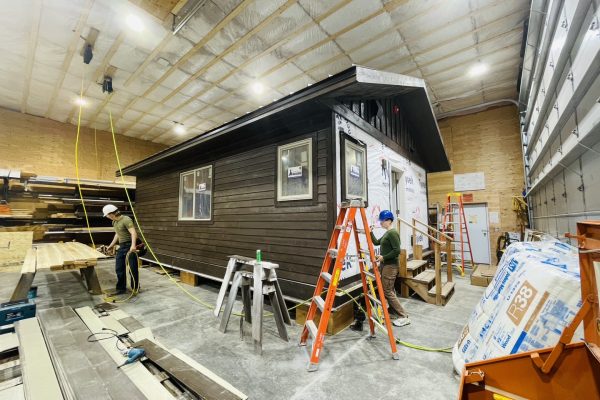
During the winter of 2018, storms brought the snowiest winter in nearly 50 years to Glacier, and the Granite Park Trails Cabin was destroyed by snow creep. The cabin, historically located just below the Granite Park Chalet, serves as a vital hub for every aspect of...